LIBSight
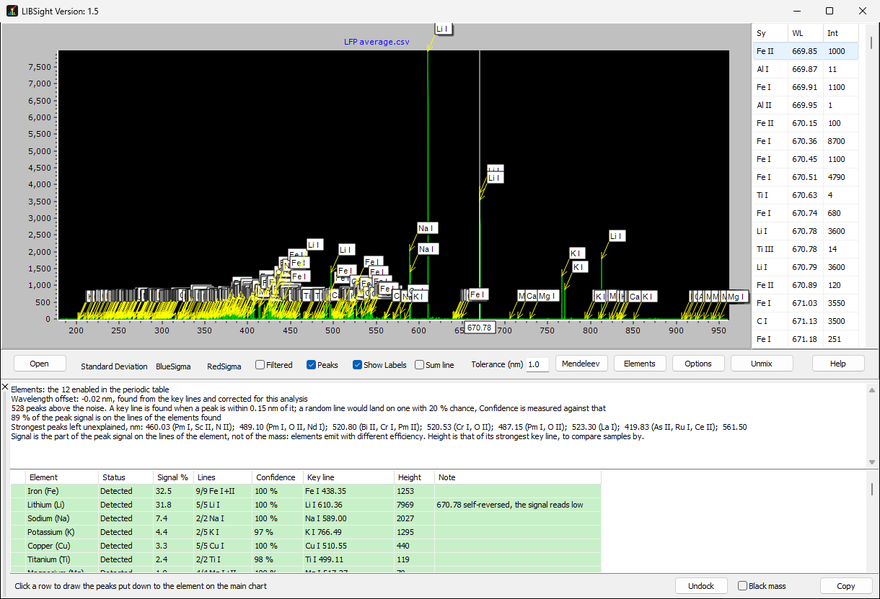
LIBSight identifies the chemical elements in atomic emission spectra from laser-induced breakdown spectroscopy (LIBS). It reads the spectra of one or two spectrometers, finds their emission lines, and fits them with the known lines of the elements you choose from the NIST Atomic Spectra Database.
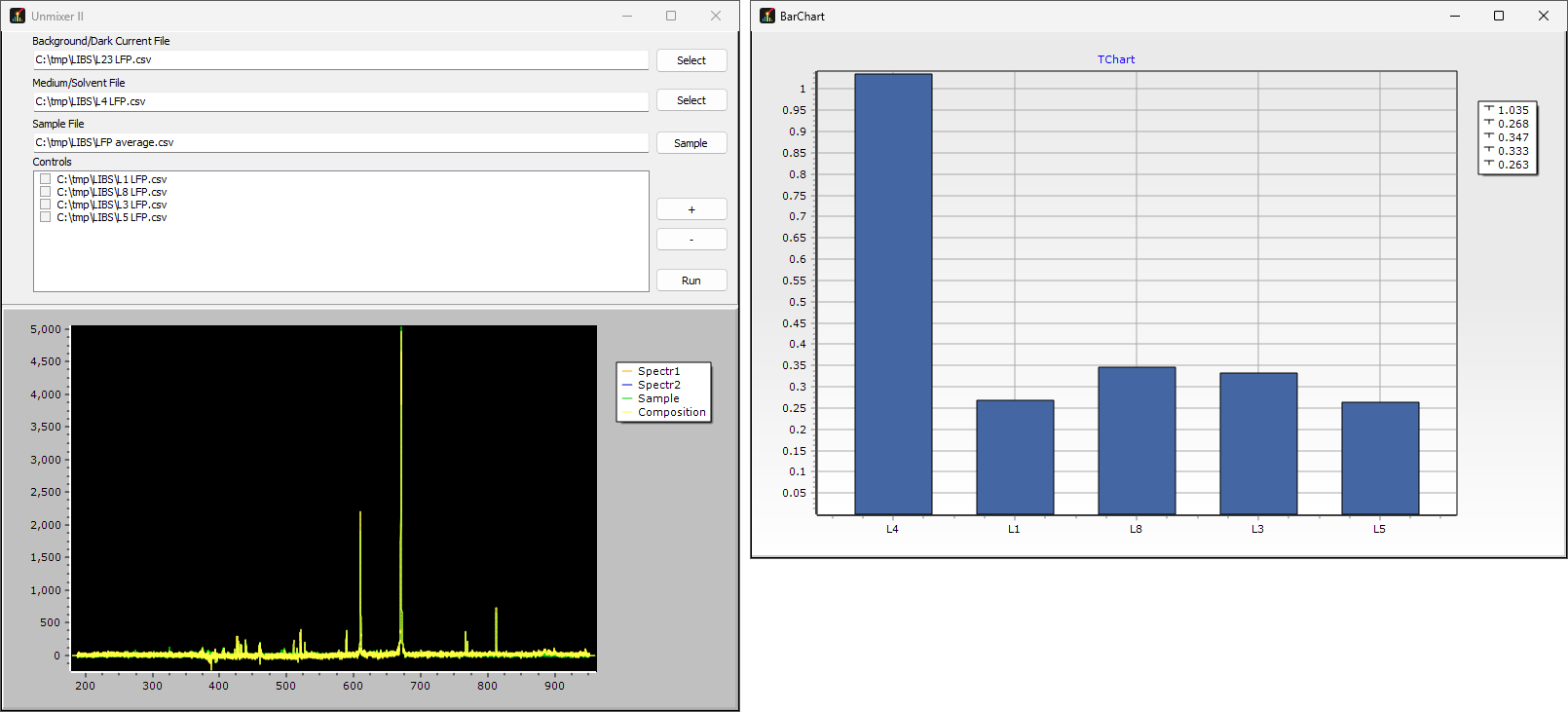
Every peak is labelled with the ion that explains it, the ions are ranked by their share of the spectrum, and a series of shots is summarised as a bar chart. A second tool unmixes a sample into a solvent and control spectra measured on the same instrument.
Up to version 1.4 LIBSight was called sibs.
Windows 64-bit
macOS on Apple silicon (M1 or later)
The Mac app is not notarized yet, so macOS blocks it the first time: open System Settings > Privacy & Security and click Open Anyway, or right-click the app and choose Open. Andor .sif files open only in the Windows version. The Mac app is still version 1.4, under the name sibs, until its next build.
Send comments to vpatseki_purdue.edu
- Two-spectrometer pairs merged into one spectrum, blended CSV tables, and Andor ASC and SIF files
- Filtering, noise estimation and emission-peak detection
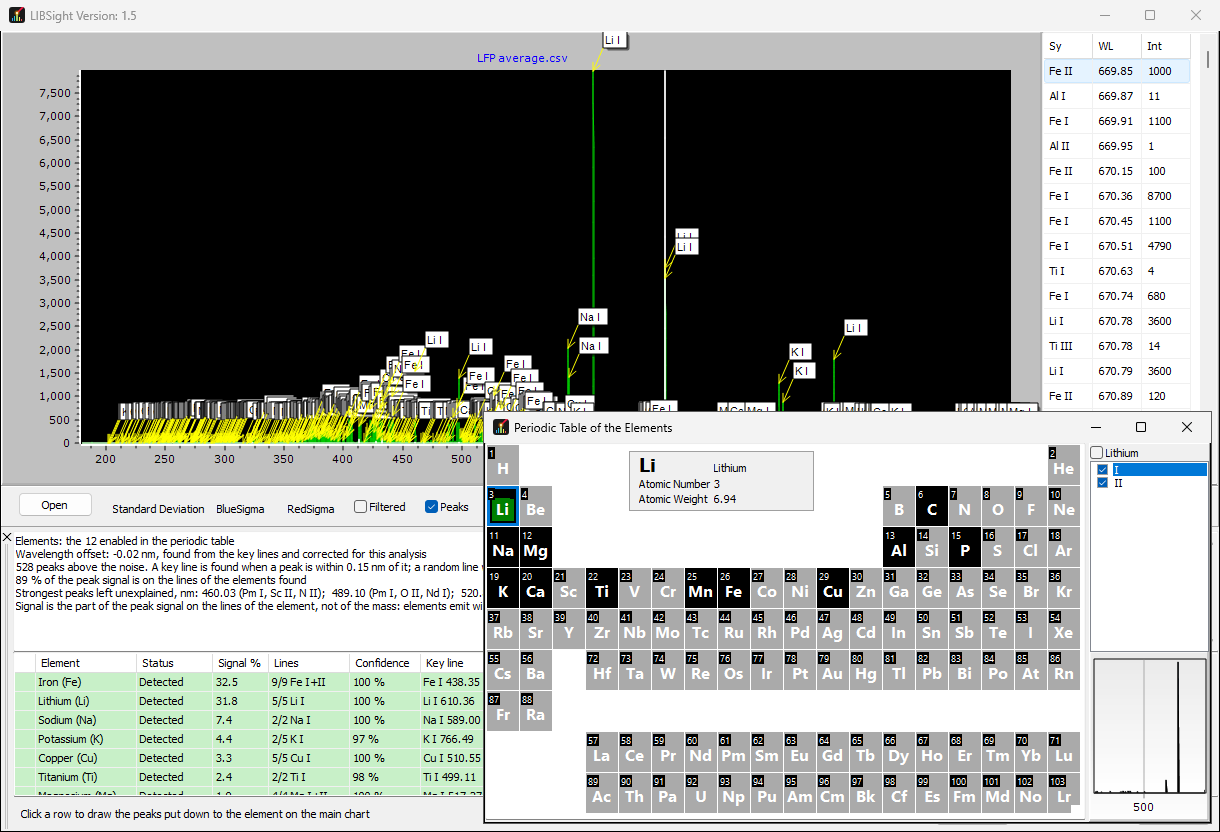
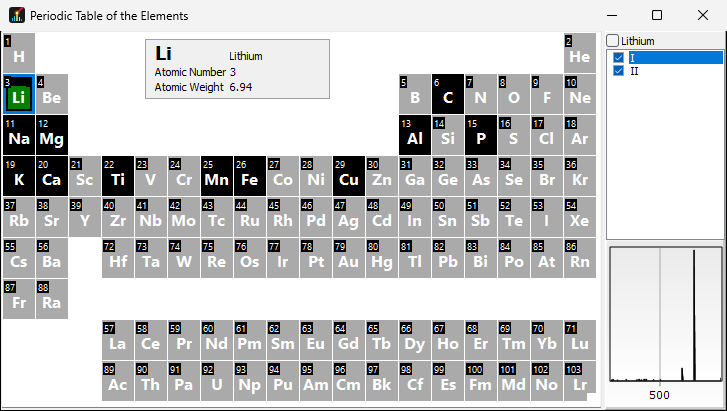
- Periodic table for choosing the elements and ionisation states to consider
- Emission lines from the NIST Atomic Spectra Database, with a choice of intensity, transition probability or line strength and an accuracy limit
- Least-squares fit of the peaks with the model spectra of all chosen ions
- Peak labels, a ranked list of ions, and a line lookup at the cursor
- Series of shots from SIF files summarised as mean and standard deviation per element
- Unmixer II: a sample expressed as solvent plus measured controls, after background subtraction
- Adjustable wavelength grid, spectrometer merge shift and line width
- Update check at start-up, and a user manual